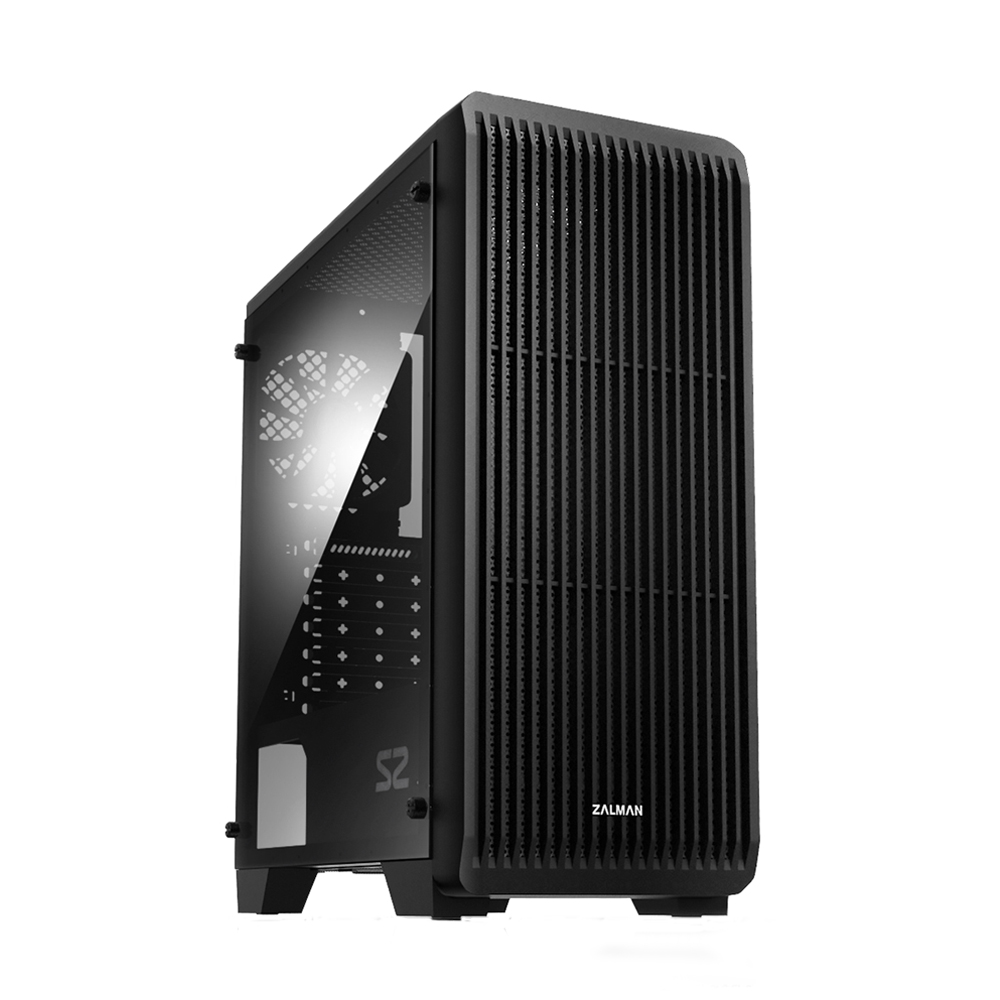
BUILD PREVIEW
Your PC at a glance
Zalman S2
AMD Radeon RX 9060 XT 8GB
Start with the processor. PCNavo checks compatibility while you build.
Switch models in each category and see compatibility updates instantly.
Zalman S2
AMD Radeon RX 9060 XT 8GB
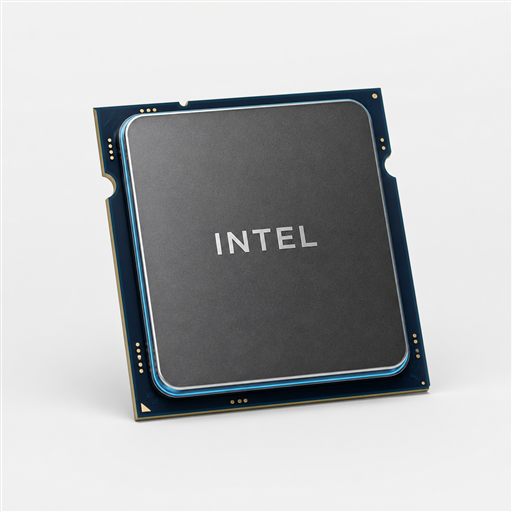
10 cores | LGA1700 | 65W
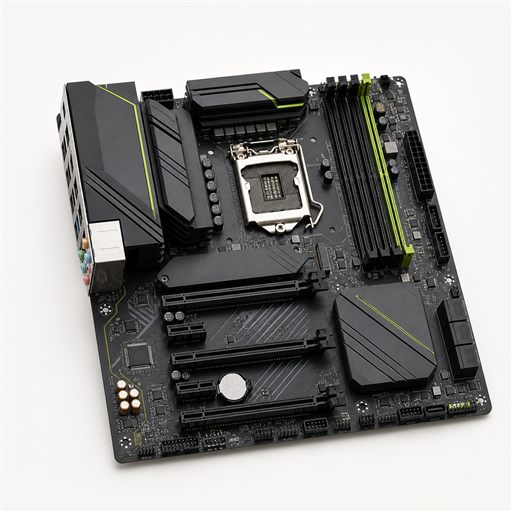
Micro-ATX | LGA1700 | DDR5
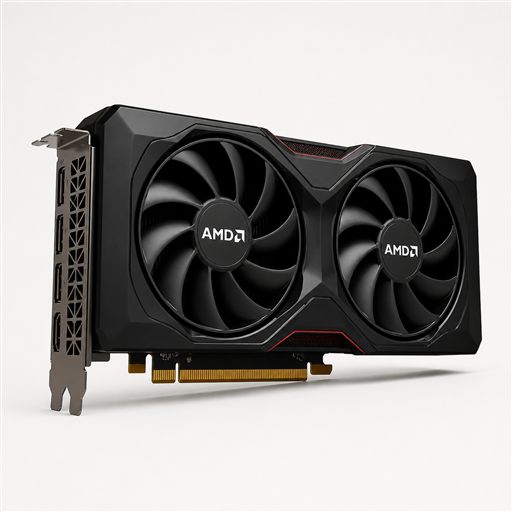
8GB GDDR6 | AIB size varies | 150W
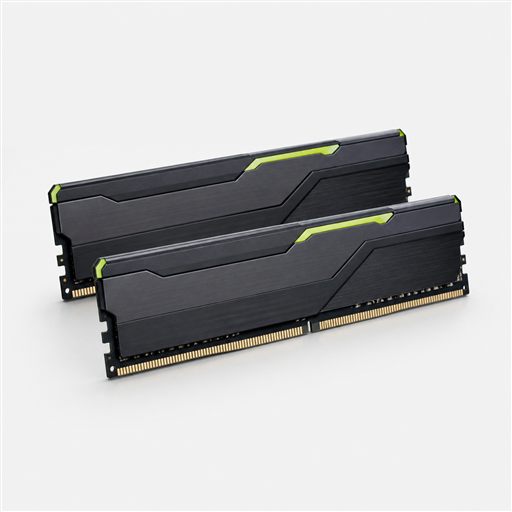
2x8GB | DDR5-5200 | CL40
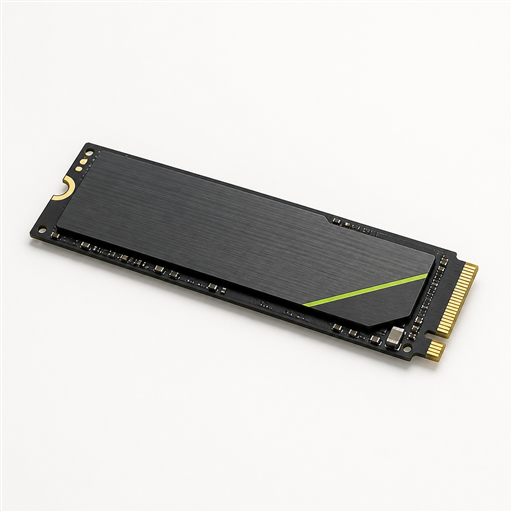
NVMe | PCIe 3.0 | 3500MB/s
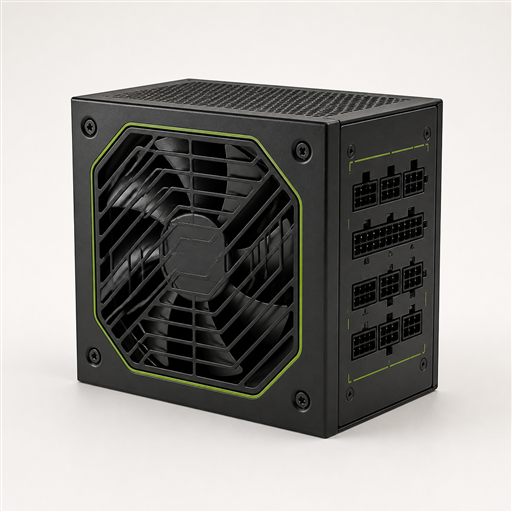
650W · 80+ Bronze
ATX · GPU up to 330mm · 3 fans
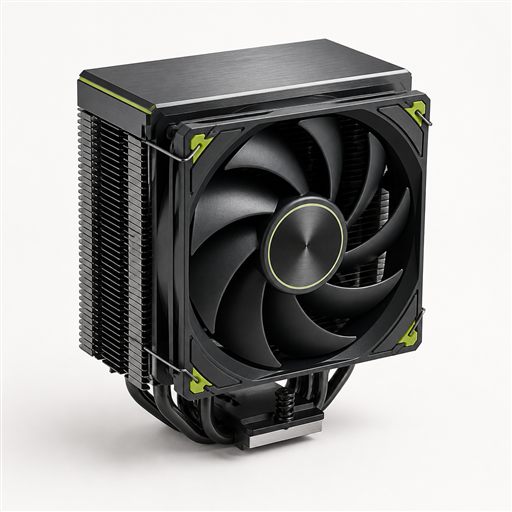
Included cooler | LGA1700 | 65W CPUs
Review your selected components in one clean list.
Click “Review selected parts” to see your complete component list.
Create a free account to keep your marketplace inbox together, publish a complete PC build and join discussions with other builders.
Choose a budget or select your own parts. PCNavo checks the main compatibility points while you build, then lets you review the complete parts list before visiting any retailer.
The builder checks CPU socket, motherboard platform, DDR4 or DDR5 memory, estimated power requirements and graphics-card clearance. Always confirm the exact model code and motherboard BIOS support before ordering.
CPU and motherboard compatibility →Start with a €600, €800 or €1,000 budget and receive a complete compatible starting point. You can replace every suggested component while PCNavo continues checking the important relationships.
See PC build guides →A good build balances gaming performance, processor capability, memory capacity, fast storage, reliable power and enough airflow. Our practical guides explain every major choice without requiring an account.
Open the PC parts checklist →Yes. You can choose parts, check compatibility and create a budget-based PC build without signing in.
PCNavo checks the main technical relationships in its catalog. You should still verify the exact product codes, dimensions, BIOS version and manufacturer specifications before purchasing.
They are approximate planning ranges that help balance the parts inside a budget. PCNavo does not display live retailer offers.